
3_MIN_READNFX Studio
Kling vs Seedance vs Wan vs Hailuo: Which AI Video Model Should You Use?
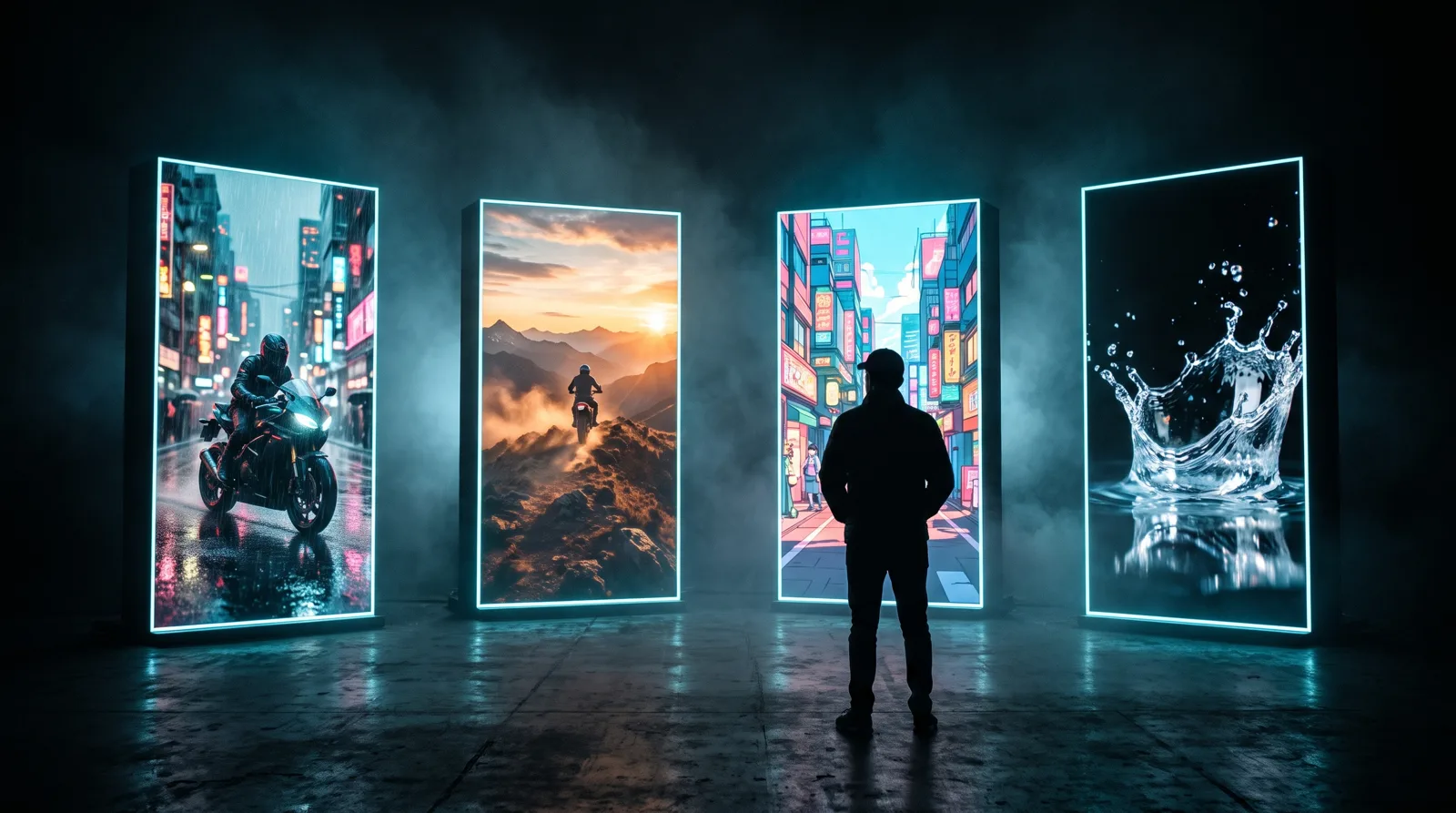
A practical guide to choosing between today's leading AI video models — what each one is good at, and how to test them side by side without paying for four subscriptions.
There is no single "best" AI video model. Each one has a personality: some excel at realistic motion, some at multi-shot storytelling, others at speed or stylised looks. The fastest way to great results is to know which model to reach for — and to test a few on the same idea.
This guide is based on how we use these models at NFX Creations in real productions. Models update often, so treat it as a starting point and always run your own tests.
Kling — precise, controllable motion
Kling is a strong choice when movement has to look right: a person walking, hands interacting with a product, a camera move that must stay smooth. It offers advanced control over motion and works well from a starting image, which makes it great for animating a key visual you already like.
Use it for: product shots in motion, character performance, image-to-video from an approved frame.
Seedance — cinematic, multi-shot storytelling with sound
Seedance shines when you want a clip to feel like a scene from a film. It handles cinematic framing well and can produce multi-shot sequences with audio, which saves a lot of editing for short narrative pieces and trailers.
Use it for: story-driven ads, trailers, moody cinematic moments, music-led pieces.
Wan — camera-aware video with long takes
Wan is good at understanding the camera. When you describe a dolly-in, an orbit or a long continuous take, it tends to respect it. It also supports sound and longer shots.
Use it for: establishing shots, environment reveals, single continuous takes.
MiniMax Hailuo — dynamic and VFX-ready at a low cost
Hailuo handles high-energy motion — explosions of colour, splashes, fast action — and is a cost-effective way to explore many variations quickly.
Use it for: VFX-style moments, energetic social clips, cheap exploration before a final render.
And for images
Video often starts with a strong still. For portraits, fashion and editorial looks we reach for Higgsfield Soul; for typography and posters, Ideogram; for fast photoreal images, Z-Image; for product and campaign imagery, Marketing Studio. A great first frame makes every video model perform better.
A simple way to choose
- Start with the goal. Realistic motion → Kling. Cinematic scene → Seedance. Camera move or long take → Wan. Energetic VFX → Hailuo.
- Lock a key frame first. Generate or upload the image you want the shot to start from.
- Run the same prompt on two models and compare. Small differences in motion and lighting decide the winner.
- Only render long or high-resolution versions once you've chosen. Short drafts are cheaper.
Test them all without four subscriptions
The biggest obstacle to comparing models is usually the bill — each provider wants its own monthly plan. In NFX Studio all of these models sit behind one account and one credit balance, paid with one-time packs. The price of every generation is shown before you press Generate, and failed generations are refunded automatically.
That makes side-by-side testing practical: write one prompt, run it on Kling and Seedance, keep the better shot.
Open NFX Studio and try your next shot on two models.
Join the conversation
Ask a question, share an idea, or leave a little appreciation.
Loading discussion…
// MORE_TRANSMISSIONS
How to Keep the Same Character Across AI Images and Videos
Faces that change from shot to shot are the biggest giveaway of AI content. Here is a practical workflow for consistent AI characters — from reference photos to finished video.
READ_TRANSMISSION
How to Write AI Video Prompts That Look Cinematic: Camera, Lens and Light
Generic prompts make generic videos. Learn the film language — shot size, camera movement, lens, lighting and colour — that turns AI clips into cinematic shots.
READ_TRANSMISSION
AI Video Generator Without a Subscription: How Pay-Once Credits Work
Tired of paying every month for an AI video tool you only use sometimes? Here is how one-time credit packs work, what they cost, and when they beat a subscription.
READ_TRANSMISSION