
3_MIN_READNFX Studio
AI Video Generator Without a Subscription: How Pay-Once Credits Work

Tired of paying every month for an AI video tool you only use sometimes? Here is how one-time credit packs work, what they cost, and when they beat a subscription.
Most AI image and video generators are sold the same way: a monthly plan, a bucket of credits, and a renewal date. That works if you create every single week. For everyone else — freelancers between projects, marketers with a campaign every few months, filmmakers testing an idea — it often means paying for months you barely use.
There is another way to pay for AI generation: one-time credit packs. This is how NFX Studio works, and this guide explains the model honestly, including when a subscription might still suit you better.
What "pay once" actually means
With a credit pack you make a single payment and receive a fixed number of credits. Each image or video you generate spends some of those credits. When you run low, you decide whether to buy another pack. Nothing renews in the background and there is nothing to cancel.
In NFX Studio, every pack is a one-time purchase and each pack stays valid for a set period — from 3 months on the smallest pack up to 12 months on the largest. You can see the exact validity of every pack before you buy, on the pricing section.
Subscription vs. credit packs at a glance
| Credit packs (NFX Studio) | Typical subscription | |
|---|---|---|
| Payment | One-time | Every month or year |
| Renewal | Never | Until you cancel |
| Unused credits | Stay valid for the pack's period (up to 12 months) | Often reset each billing cycle |
| Best for | Project-based and occasional creators | Daily, high-volume creators |
Pricing models differ between products, so always read the plan details of any tool you compare.
Why pay-once fits how creative work really happens
Creative work comes in waves. A launch week needs fifty product shots and three short ads. The month after might need nothing at all. A subscription charges the same in both months.
Credit packs follow your real workload:
- No idle months. You only spend when you generate.
- No surprise renewals. There is no card charge you forgot about.
- Easy budgeting. A client project can have its own pack, which makes it simple to cost a job.
- Freedom to switch models. In NFX Studio one credit balance works across every model — Kling, Seedance, Wan, MiniMax Hailuo, Higgsfield Soul and more — so you don't need separate plans for separate tools.
Know the price before you press Generate
A pay-once model only feels good if you can predict what you will spend. NFX Studio shows the exact credit cost on the Generate button for every model and setting combination. Change the duration, resolution or model and the price updates instantly.
If a generation fails, is canceled, or is blocked by a content filter, the reserved credits are returned to your balance automatically. You only pay for results you actually receive.
When a subscription can still make sense
To be fair: if you generate large volumes every day, a subscription with a big monthly allowance can work out cheaper per generation. If that is you, compare the real cost per image or per second of video, not just the headline price.
For most project-based creators, though, the money lost to unused months is bigger than any per-credit discount.
How to get started
- Open NFX Studio and sign in with your email or Google.
- Pick a credit pack. Bigger packs include bonus credits and last longer.
- Choose a model, write your prompt, check the price on the button, and generate.
Want to see the full comparison and every pack side by side? Visit the NFX Studio page.
Join the conversation
Ask a question, share an idea, or leave a little appreciation.
Loading discussion…
// MORE_TRANSMISSIONS
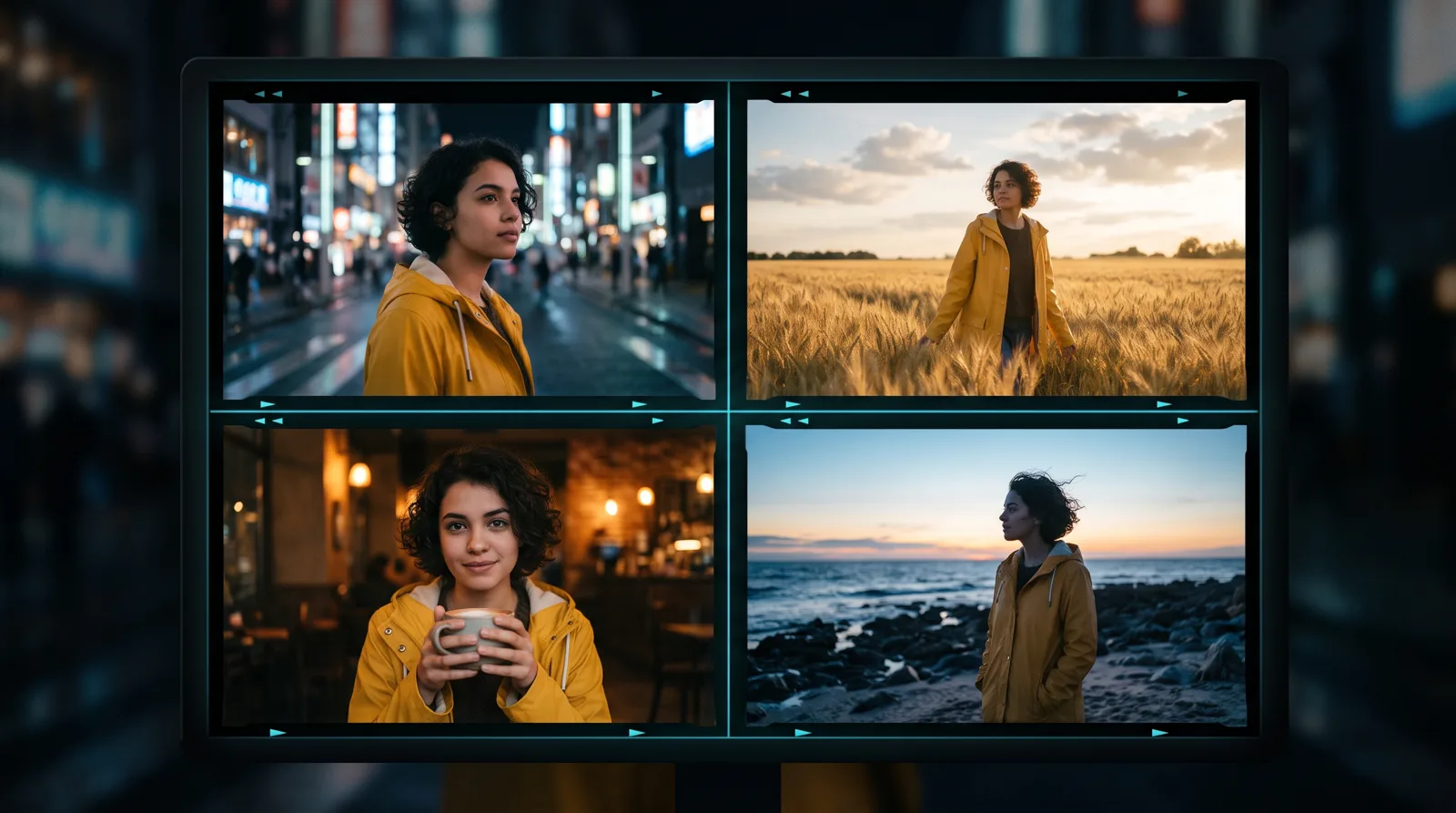
How to Keep the Same Character Across AI Images and Videos
Faces that change from shot to shot are the biggest giveaway of AI content. Here is a practical workflow for consistent AI characters — from reference photos to finished video.
READ_TRANSMISSION
How to Write AI Video Prompts That Look Cinematic: Camera, Lens and Light
Generic prompts make generic videos. Learn the film language — shot size, camera movement, lens, lighting and colour — that turns AI clips into cinematic shots.
READ_TRANSMISSION
Kling vs Seedance vs Wan vs Hailuo: Which AI Video Model Should You Use?
A practical guide to choosing between today's leading AI video models — what each one is good at, and how to test them side by side without paying for four subscriptions.
READ_TRANSMISSION