
5_MIN_READSoul ID
Train Your Own Character With Soul ID in NFX Studio
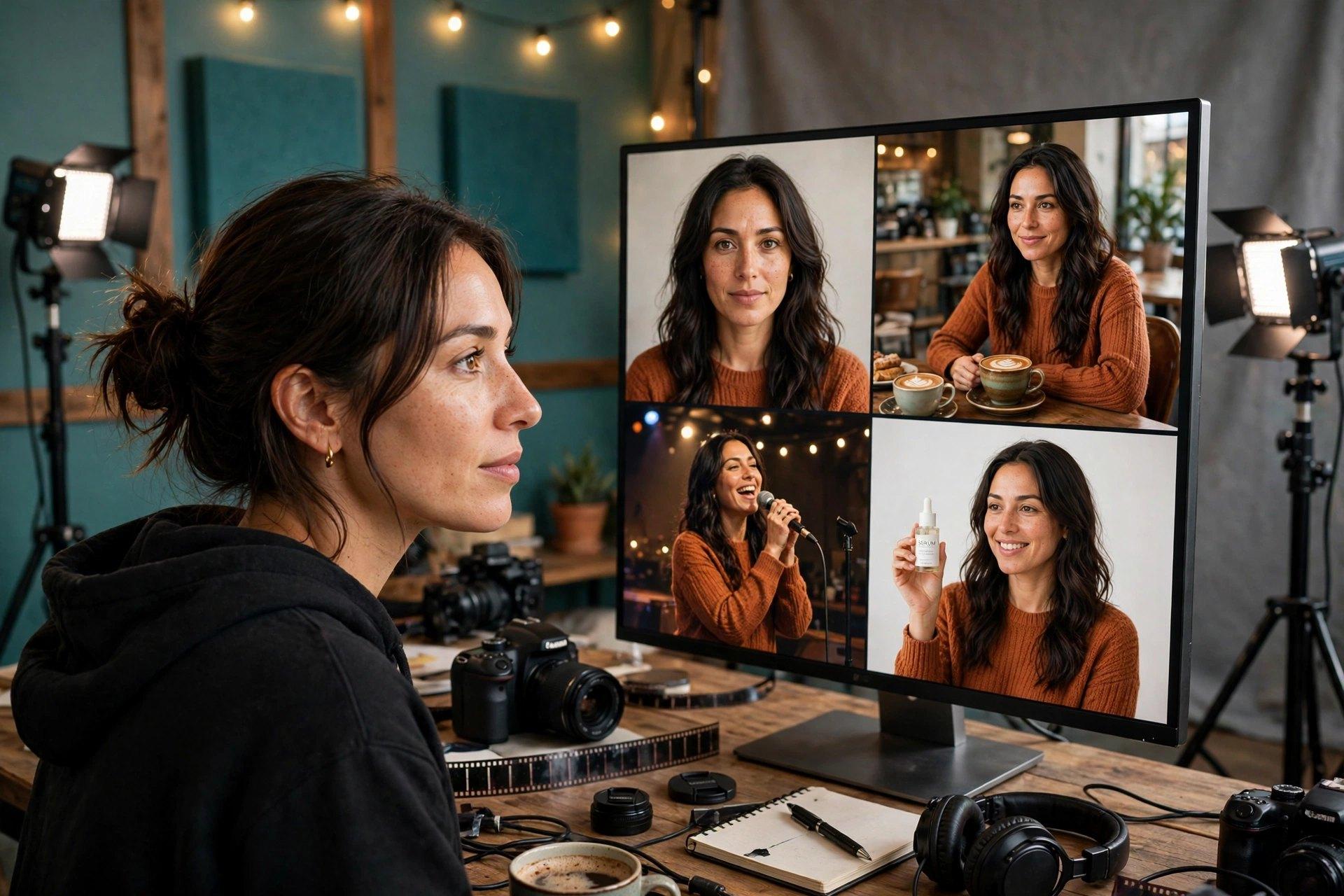
Face changing in every AI scene? Learn how to keep the same character in AI video, how to keep the same face in AI video, and how to create a consistent character with Soul ID in NFX Studio. Simple steps, no subscription.
Train Your Own Character With Soul ID in NFX Studio
You make one AI video, and the character looks great. In the next scene, the face changes. This is the problem people search for most: how to keep the same character in AI video, how to keep the same face in AI video, and how to create a consistent character in AI. Soul ID fixes this. You train one character once, then use the same character in different scenes, in every AI image and every AI video.
How to keep the same character in AI video: what is Soul ID?
Soul ID is a trained character inside NFX Studio. You teach Studio one face and one look. After that, you select that Soul ID and put the same character into new images and videos. You do not need to describe the person again each time. That is how you get a consistent character, instead of a new person in every scene.
Why does my AI character's face change in every scene? Because each new prompt creates a new person. Without a trained character, the tool guesses a face each time, so the face, hair, and age can change. Soul ID saves one face and reuses it, so your character stays the same.
Step 1: How many photos do you need to train an AI character?
People also search: how many photos do I need to train a character, and what photos are best to keep the same face in AI video? You need a small set of clear photos of one person. Good photos give a good Soul ID. Studio learns the face from these photos, so clear photos teach it the right face. Blurry photos, or a face covered by sunglasses, teach it the wrong face.
Keep it simple:
- Use clear, bright photos of one person only.
- Add a few angles: front, a little left, a little right.
- Add a few expressions: normal and smiling.
- Keep the same hairstyle. No sunglasses, no heavy filters.
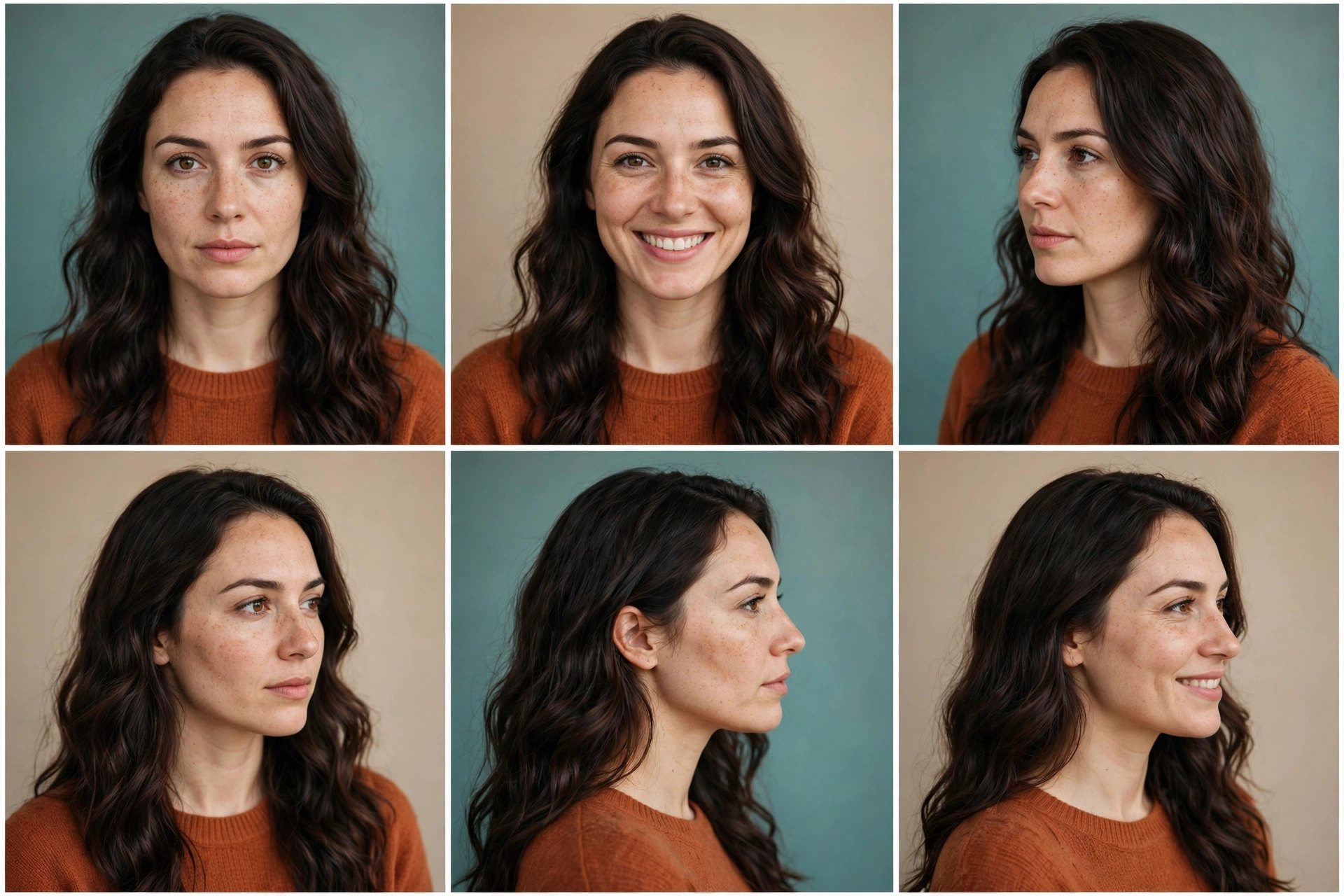
A good training set. The same person, clear light, a few angles and expressions.
Step 2: How to train your own AI character with Soul ID
This is the step people search for as 'how to train your own AI character' and 'how to make a custom AI character'. Training means Studio studies your photos and saves that face as one character. You do this only once. After that, you can pick the same character again for every new image or video, like your own AI character generator, but with your character, not a random one.
- Open Soul ID in NFX Studio and start a new character.
- Upload your photos and give the character a name.
- Start the training and wait for it to finish.
- Test it: make one simple portrait. If the face looks right, your Soul ID is ready.
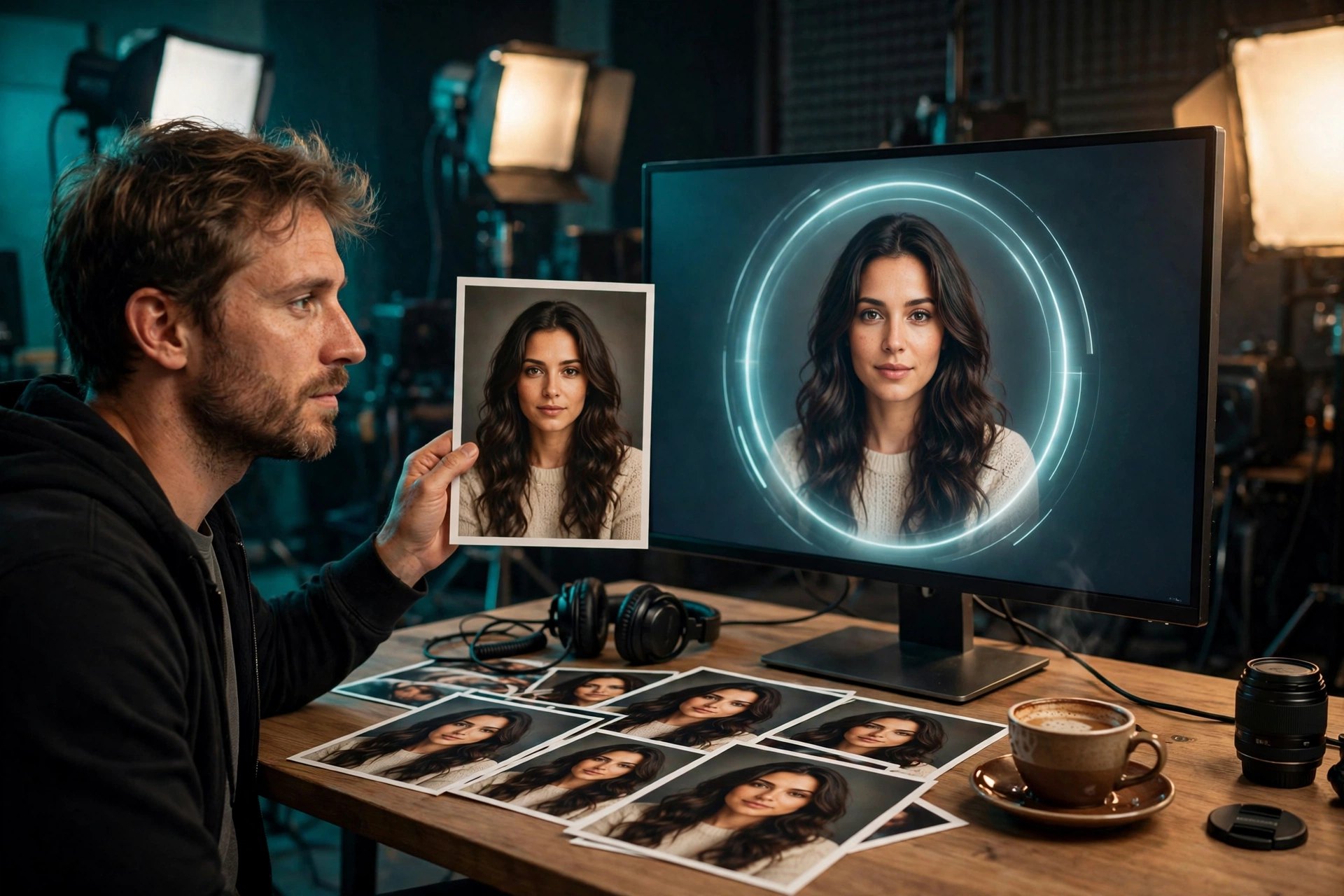
Training the character. Add the photos, and Studio learns the face.
Step 3: How to use the same character in different scenes: images and videos
Can I use the same character in both images and videos? Yes. This is how to keep the same character in every AI image and video, and how to put the same character in different scenes.
For an image, select your Soul ID and write only the new scene: the place, the clothes, the action. The face comes from your Soul ID. That is how you keep the same face in AI images without describing the person again.
For a video, start from a good image of your character, check that the face looks right, then add simple motion, like a slow smile or a slow camera push-in. Simple motion keeps the face stable, so you keep the same face in AI video too.
In short: Soul ID keeps the person the same. Your prompt only changes what is around them, the place, the clothes, and the action.
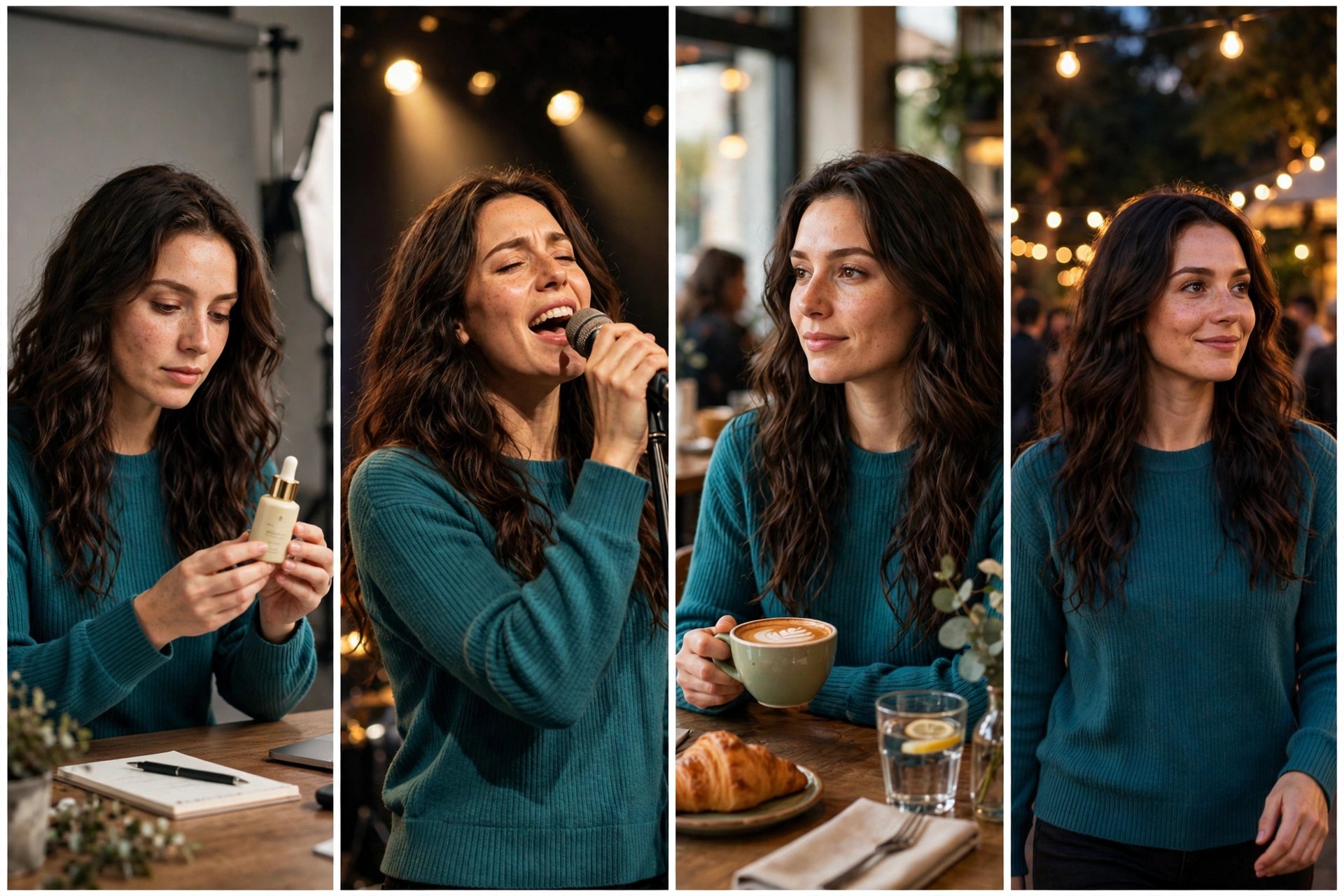
One Soul ID, four scenes: a product video, a stage, a cafe, and an outdoor event. Same face in every scene.
Can I train a character of myself, or a presenter for my brand?
Yes, people search for this as 'create an AI character of myself' and 'AI presenter for my brand'. Train yourself, or a presenter for your brand, once with Soul ID, then reuse the same person in product videos, ads, and social media posts, without filming every scene again. It works for a business owner, a presenter, or a character for a story, the face stays the same in every post.
Do I need a subscription to use Soul ID in NFX Studio?
No. NFX Studio has no monthly subscription. You buy credits once, and they are valid for up to 12 months. People search for this as 'AI video generator without a subscription', that is how NFX Studio works.
Quick tips to keep a consistent character every time
If you search 'how to stop my AI character's face from changing', these are the fixes that help most:
- If the face changes, use better training photos and train again.
- Keep one short description of your character and reuse it in every prompt.
- Start with close and medium shots. Wide shots are harder.
- Save the prompts that work, so your next scene is faster.
Try it in NFX Studio
Train your first character today in NFX Studio. There is no monthly subscription. You buy credits once, and they are valid for up to 12 months.
Read next:
- How to Keep the Same Character Across AI Images and Videos
- How to Write AI Video Prompts That Look Cinematic: Camera, Lens and Light
- AI Video Generator Without a Subscription: How Pay-Once Credits Work
Join the conversation
Ask a question, share an idea, or leave a little appreciation.
Loading discussion…
// MORE_TRANSMISSIONS
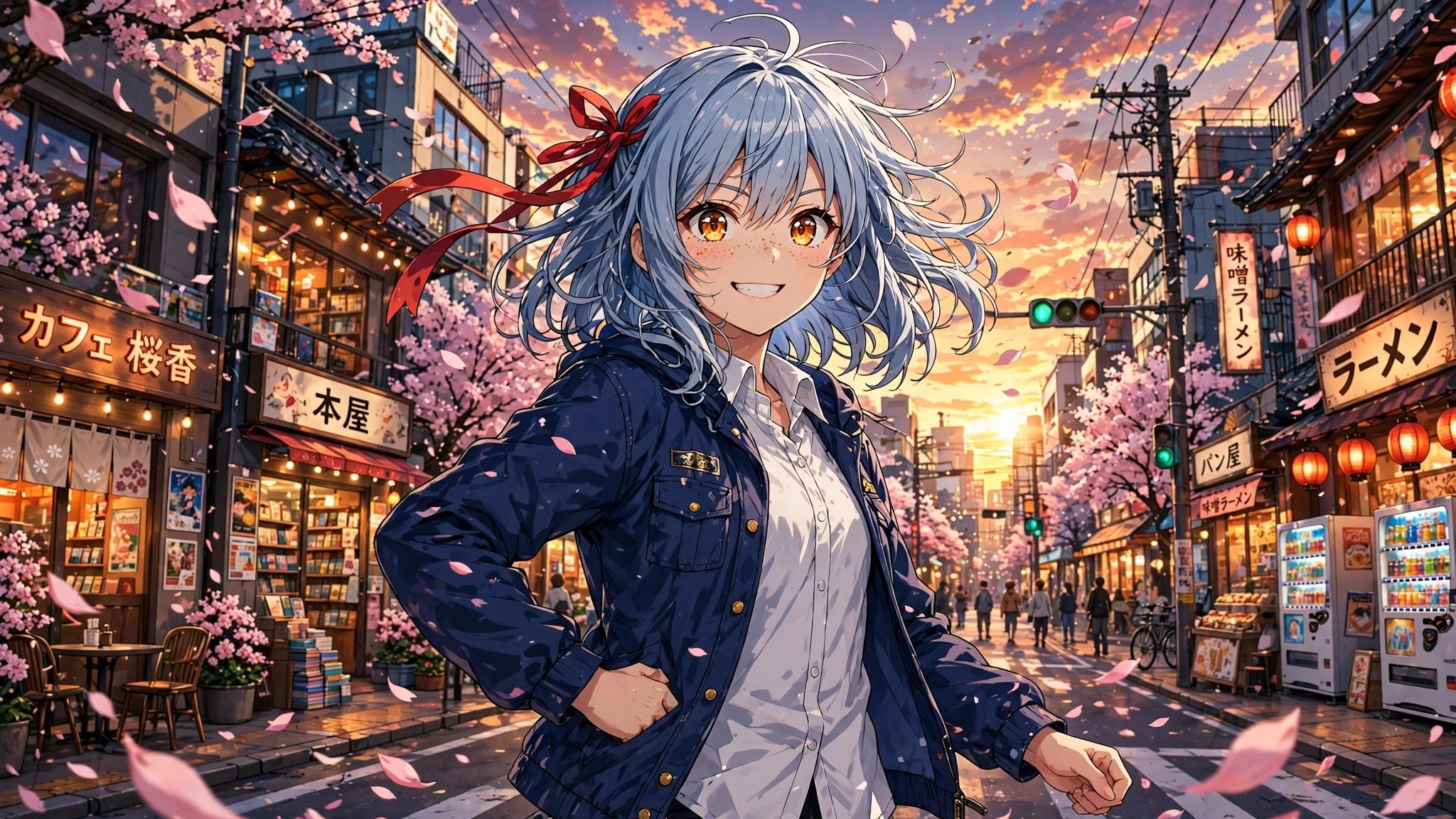
Midjourney Niji V8: Anime Characters That Finally Stay the Same
Midjourney released Niji V8, its new anime image model. It keeps the same character across images, follows prompts more closely, and comes with its own editing model. Here is what changed and how to try it.
READ_TRANSMISSION
Meet NFX Studio: Create AI Images and Videos Without a Subscription
NFX Studio puts the AI models and film tools behind NFX Creations' productions in your browser. Generate cinematic images and videos with Kling, Seedance, Wan and MiniMax Hailuo — pay once for credits, keep them up to 12 months, no subscription.
READ_TRANSMISSION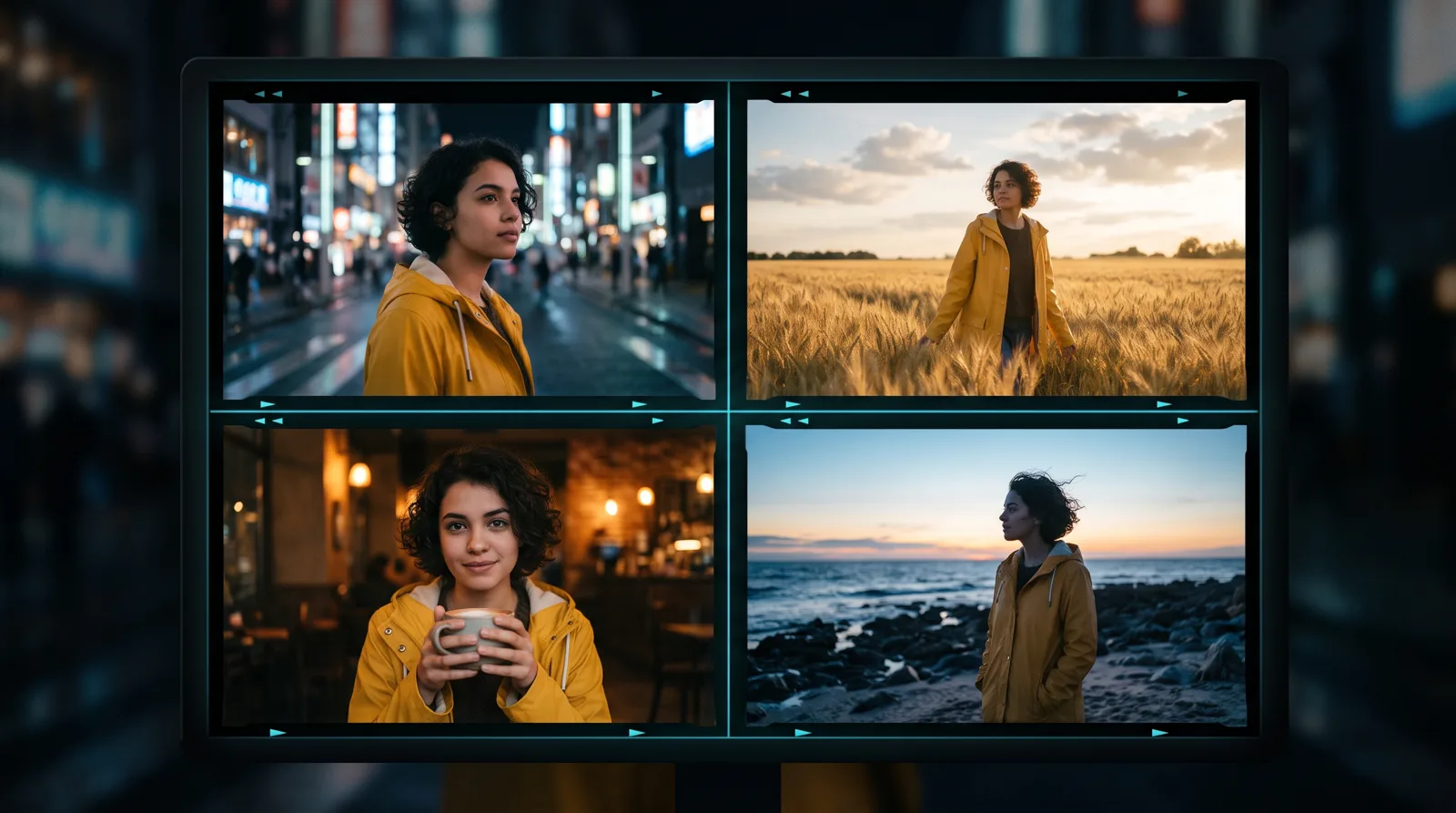
How to Keep the Same Character Across AI Images and Videos
Faces that change from shot to shot are the biggest giveaway of AI content. Here is a practical workflow for consistent AI characters — from reference photos to finished video.
READ_TRANSMISSION